Productivity · 4 min read
How do you plan a project with a mind map?
A new project usually arrives as a vague, slightly overwhelming lump: lots to do, no obvious starting point. A long to-do list doesn't help much, it flattens everything into one intimidating column. What works far better for us is a mind map, because it lets the shape of the project emerge before we worry about the order.
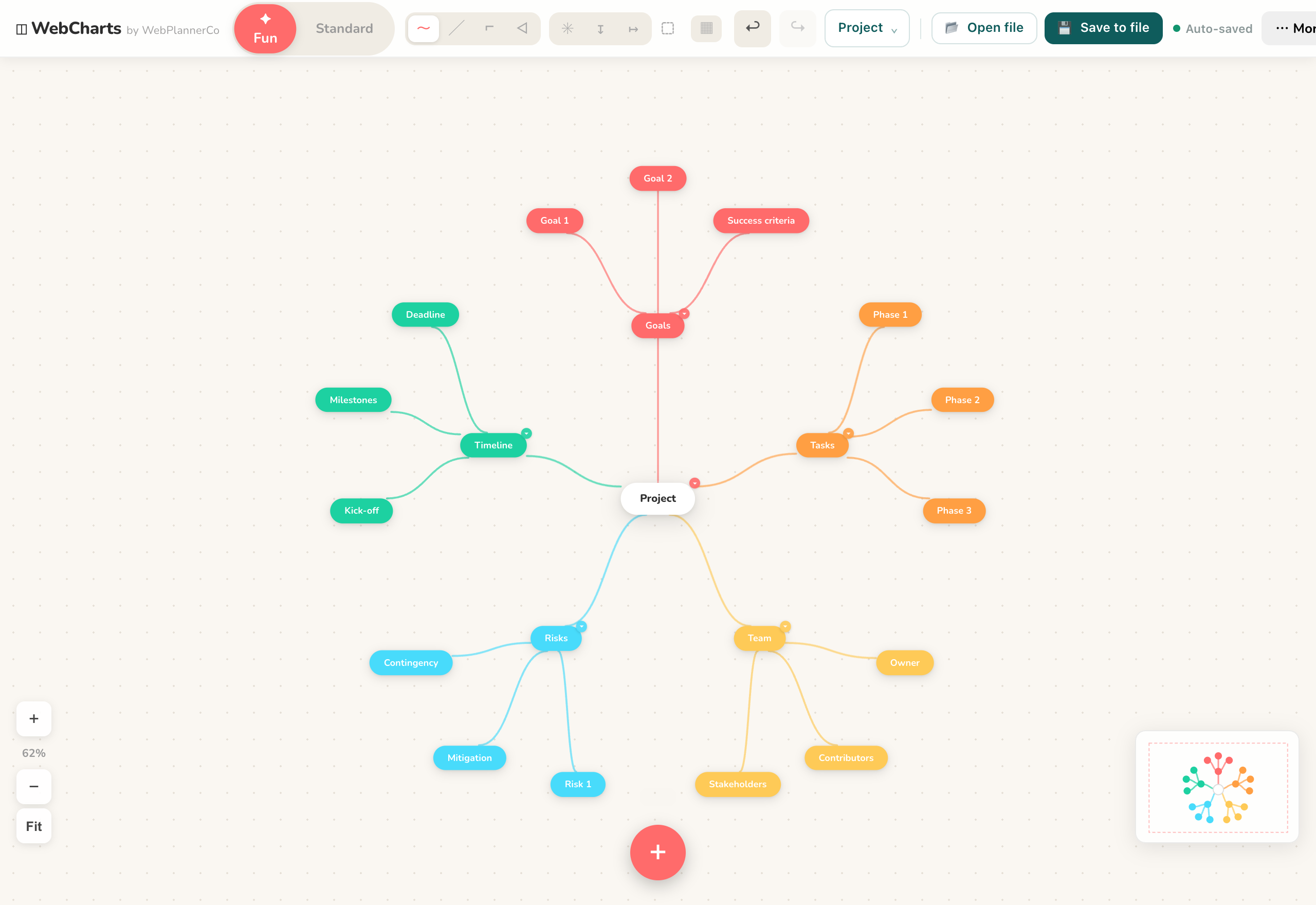
Start with the goal, not the tasks
Put the outcome you're aiming for in the middle, the launch, the event, the deliverable. Then add a branch for each major part of getting there. For a launch that might be product, marketing, logistics and budget. Resisting the urge to list tasks first is the trick: get the big themes down, and the tasks have somewhere sensible to live.
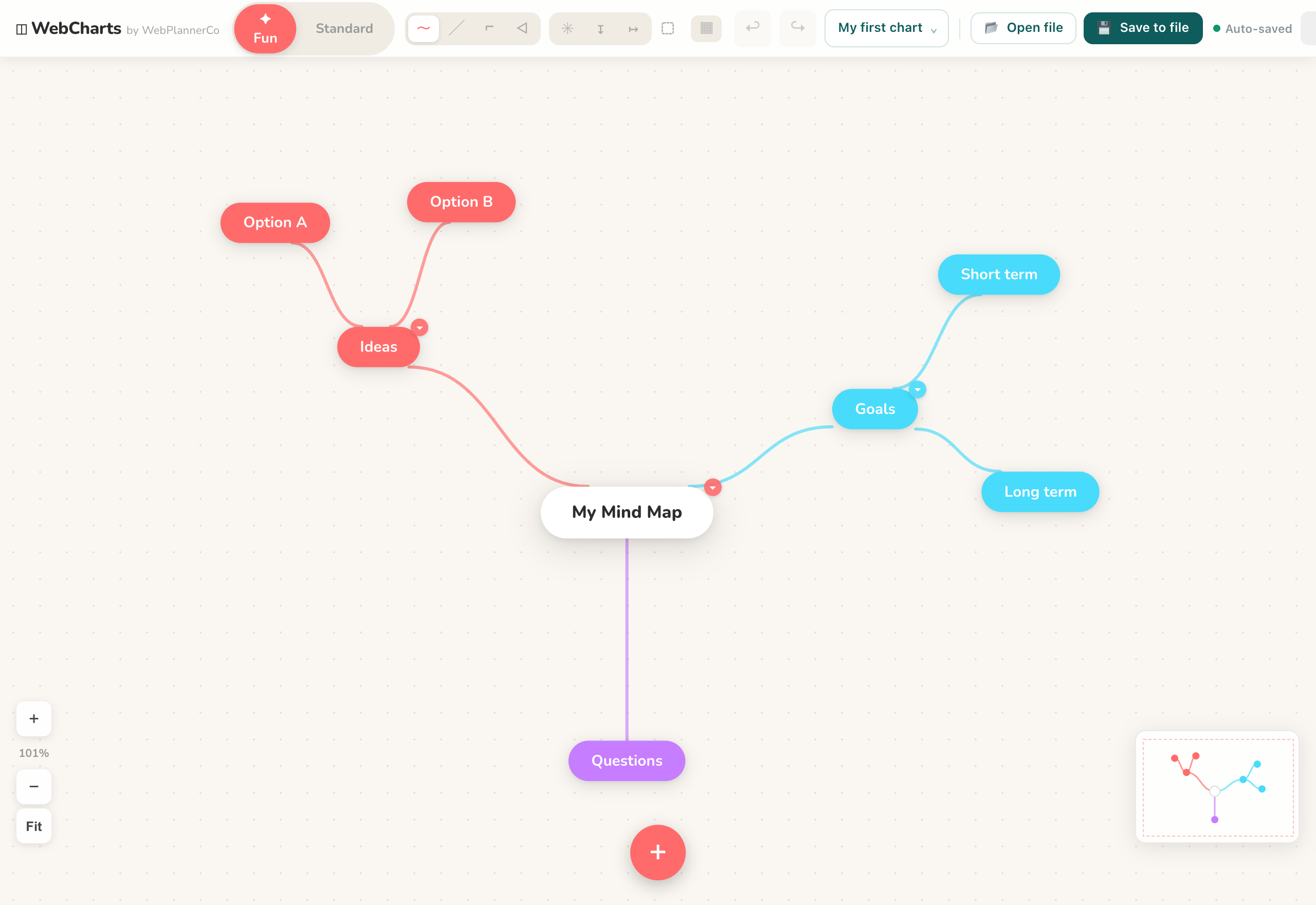
Break each branch down
Now work outward. Off each theme, add the actual pieces of work, and off those, the detail. Because it's a map, you can go deep on the part you understand and leave a thin branch where you don't yet, without it looking unfinished. You're building the plan and finding the gaps at the same time.
Colour-code the branches by workstream, or by who owns what, and the whole plan becomes something you can read in one glance rather than scroll through.
From map to plan
Once the shape is right, the map does double duty. It's the overview you share to explain the project, and the checklist you work from, adding, ticking off and rearranging branches as things move. When something changes, you can see straight away which part of the project it touches.
The app that helps
Mind Maps & Diagrams
Everything you need to map out your ideas, diagrams, flowcharts, org charts and mind maps, in your browser.
- Double-click to add the goal, then drag from its edge to branch into workstreams
- Colour-code branches by theme or owner so the plan reads at a glance
- Rearrange and export the map to share the plan or drop it into a doc
Common questions
Is a mind map better than a to-do list for projects?
For planning, we find it is, because it shows how the pieces relate instead of flattening them into one list. Once the structure is clear, you can work through the branches much like a checklist.
How detailed should a project mind map get?
As detailed as it's useful, and no more. Go deep where you understand the work, leave a thin branch where you don't yet, and let it fill in as the project takes shape.
A quick note
This is simply how we like to work, shared in case it helps. Take what's useful and leave the rest.