Productivity · 4 min read
An offline, no-login mind-map app
You want to map an idea, and the first thing the tool asks for is an account, a workspace and a working internet connection. When you are on a plane, on a train with patchy signal, or you just want to think for five minutes, that is friction you did not ask for. This post makes the case for a simple offline, no-login mind-map app for solo and private thinking, and is clear about the trade-off.

What offline and no-login actually get you
No account means nothing to sign up for and no password to reset before you can start. Nothing to install means you open the HTML file or use it online, and it is ready. Working offline means the canvas loads on a plane, in a basement, or anywhere the wifi drops, because it is not waiting on a server.
Your data stays with you too. The diagram lives on your device or in your file, not in someone else's cloud account, so a quick private brainstorm stays private and is fast to open again later.
The trade-off, said plainly
You do not get real-time team collaboration. There is no shared cursor, no live editing with five colleagues at once, no comment threads. If your work is a running group whiteboard session, a tool built for that is the right choice.
For solo work, quick captures and private thinking, that missing layer is the point. There is less to load, less to configure and less standing between you and the shape in your head.
How to map an idea in a few minutes
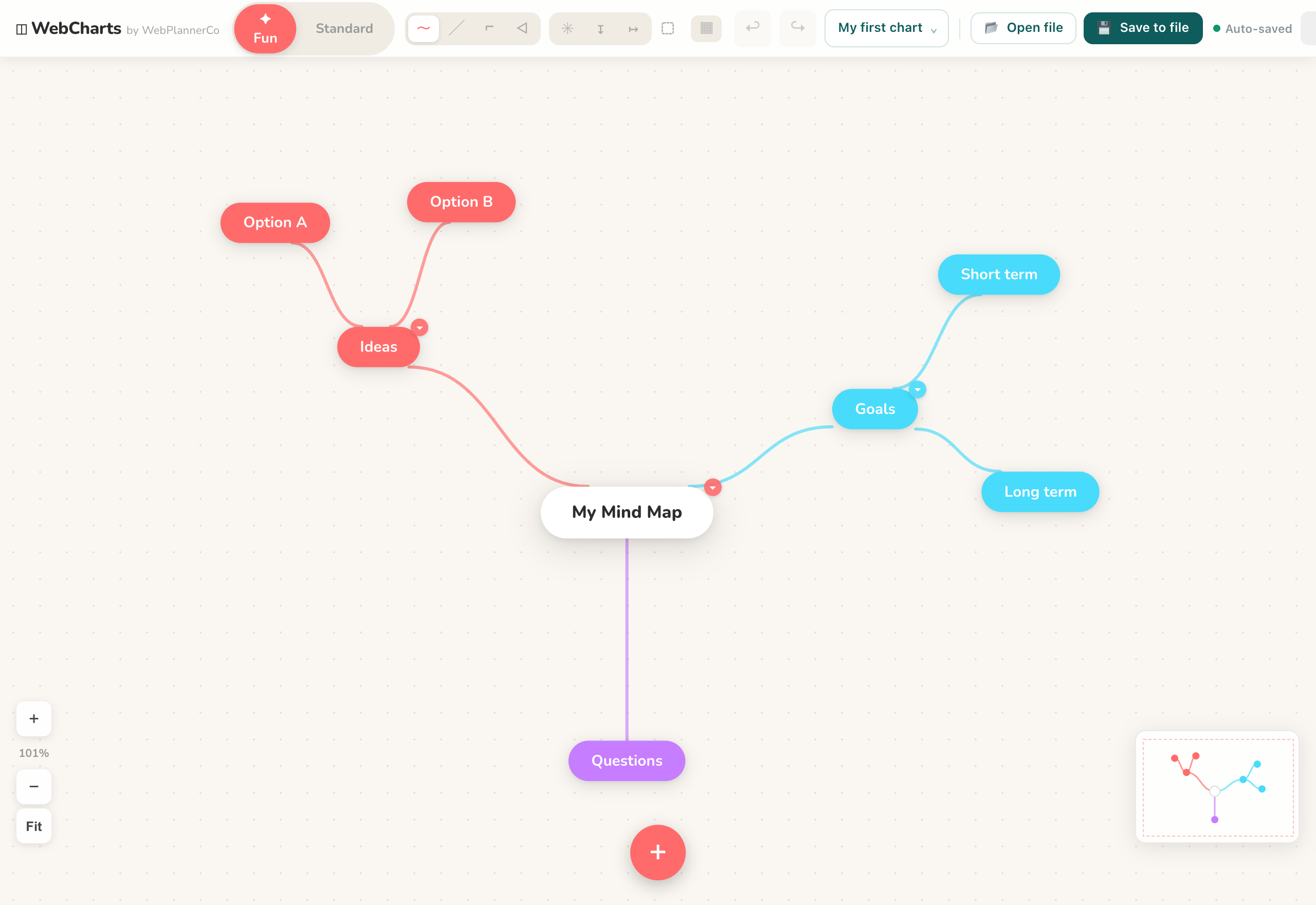
Start from a template if you want a head start: Brainstorm for exploring, Flowchart for a process, SWOT for a 2x2 of strengths and weaknesses, or Timeline for a sequence. For a mind map, put the central idea in the middle and let branches radiate out. Double-click the canvas to add a shape, then drag from a shape's edge to connect the next one.
As it grows, colour-code branches and nodes so related ideas read together, and drop an image onto a node where a picture says more than a label. Use align and distribute to tidy the layout, then export the finished diagram as an image to share or file it.
The app that helps
Mind Maps & Diagrams
Everything you need to map out your ideas, diagrams, flowcharts, org charts and mind maps, in your browser.
- Opens and runs offline with no account, so you can map ideas on a plane or with no wifi
- Keeps your diagram on your device or in your file, so private thinking stays private
- Starts from Brainstorm, Flowchart, SWOT or Timeline templates and exports the result as an image
Common questions
Can I use this with my team at the same time?
No. It is built for solo and private work, so there is no real-time shared editing. Everyone works in their own file, and you can export a diagram as an image to pass it around.
Where is my data stored?
On your device or in your file. There is no account and nothing uploaded to a cloud workspace, so your maps stay with you.
A quick note
This is simply how we like to work, shared in case it helps. Take what's useful and leave the rest.