Productivity · 4 min read
How do you do a SWOT analysis?
SWOT is a way to look at a decision, a business or a project from four angles at once, but most grids end up as a list of adjectives that changes nothing. This post covers what SWOT stands for, the internal-versus-external logic that makes the 2x2 work, the questions that fill each quadrant properly, and the step people skip: turning the grid into a few concrete actions.
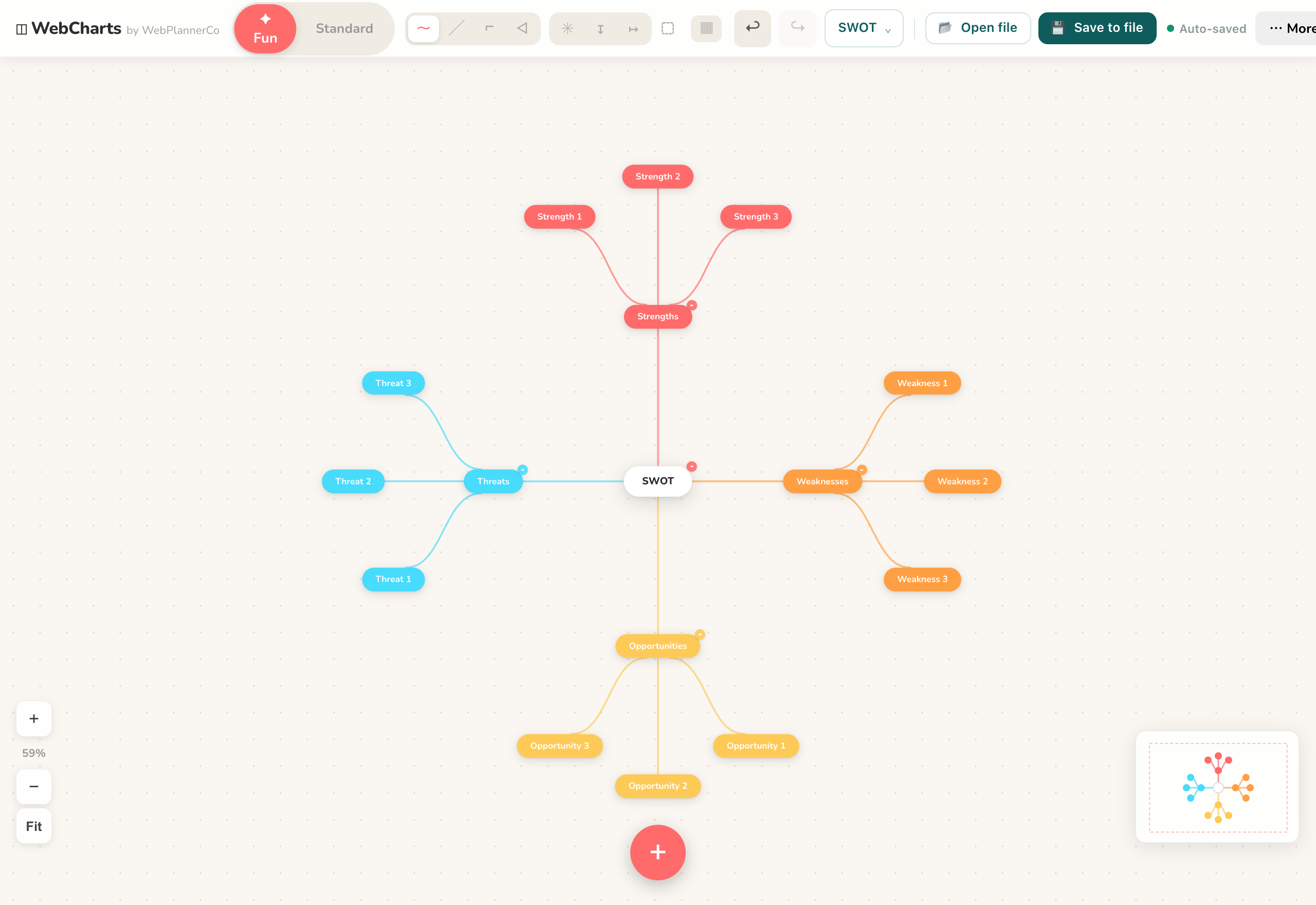
What SWOT stands for and why it is a 2x2
SWOT is Strengths, Weaknesses, Opportunities and Threats. The grid splits along two lines. The left column, Strengths and Weaknesses, is internal: things you control right now, like your skills, costs, team or product. The right column, Opportunities and Threats, is external: things happening around you that you do not control, like the market, competitors, regulation or trends.
The other split is helpful versus harmful. The top row helps you, the bottom row works against you. Keeping those two axes straight is the whole point: it stops you from listing the same vague idea four times and forces you to place each item deliberately.
Fill each quadrant with real questions
Prompt yourself rather than staring at a blank box. For Strengths: what do you do well, what do others come to you for, what advantages do you already have. For Weaknesses: where do you lose time or money, what are you avoiding, where do others outperform you. Be honest here, since a flattering grid is useless.
For Opportunities: what is changing in your market, what demand is unmet, what could you reach that you cannot today. For Threats: who is competing for the same ground, what could go wrong, what shifts would hurt you. Write short, specific points. "Slow to reply to enquiries" beats "communication", because you can act on the first one.
Turn the grid into actions
A finished grid is not the output; decisions are. Read it in pairs. Match strengths to opportunities to find your best moves. Look at weaknesses against threats to find what to fix or defend before it bites. Ask how each strength could cover a weakness, and how a threat might be turned into an opening.
Then pull out three or four concrete actions with an owner and a rough date. That is the difference between a SWOT that sits in a folder and one that changes what you do next week.
Build it and share it
In Mind Maps & Diagrams, start from the SWOT template so the four quadrants are already laid out, then double-click to add points and drag them into place. Colour-code each quadrant so Strengths, Weaknesses, Opportunities and Threats stay visually separate at a glance.
When it is done, export the diagram as an image to drop into a doc, a slide or an email. It works offline and needs no account, so a quick SWOT in a meeting stays on your own device.
The app that helps
Mind Maps & Diagrams
Everything you need to map out your ideas, diagrams, flowcharts, org charts and mind maps, in your browser.
- Start from the built-in SWOT template with the four quadrants ready to fill
- Colour-code each quadrant so Strengths, Weaknesses, Opportunities and Threats stay clearly separate
- Export the finished grid as an image to share in a doc, slide or email
Common questions
What is the difference between the internal and external halves of SWOT?
Strengths and Weaknesses are internal: things you control now, like your team, costs or product. Opportunities and Threats are external: things in the market or environment you do not control but can respond to.
How many points should each quadrant have?
There is no fixed number, but a handful of specific points per box works better than a long list. Aim for items concrete enough to act on, then narrow the whole grid down to three or four actions.
A quick note
This is simply how we like to work, shared in case it helps. Take what's useful and leave the rest.