Template for Mind Maps & Diagrams
Mind map template
A mind map template gives you the starting shape so you can skip the blank canvas: a central idea in the middle with branches ready to fill in. Add your topic, branch out into themes, and keep going.
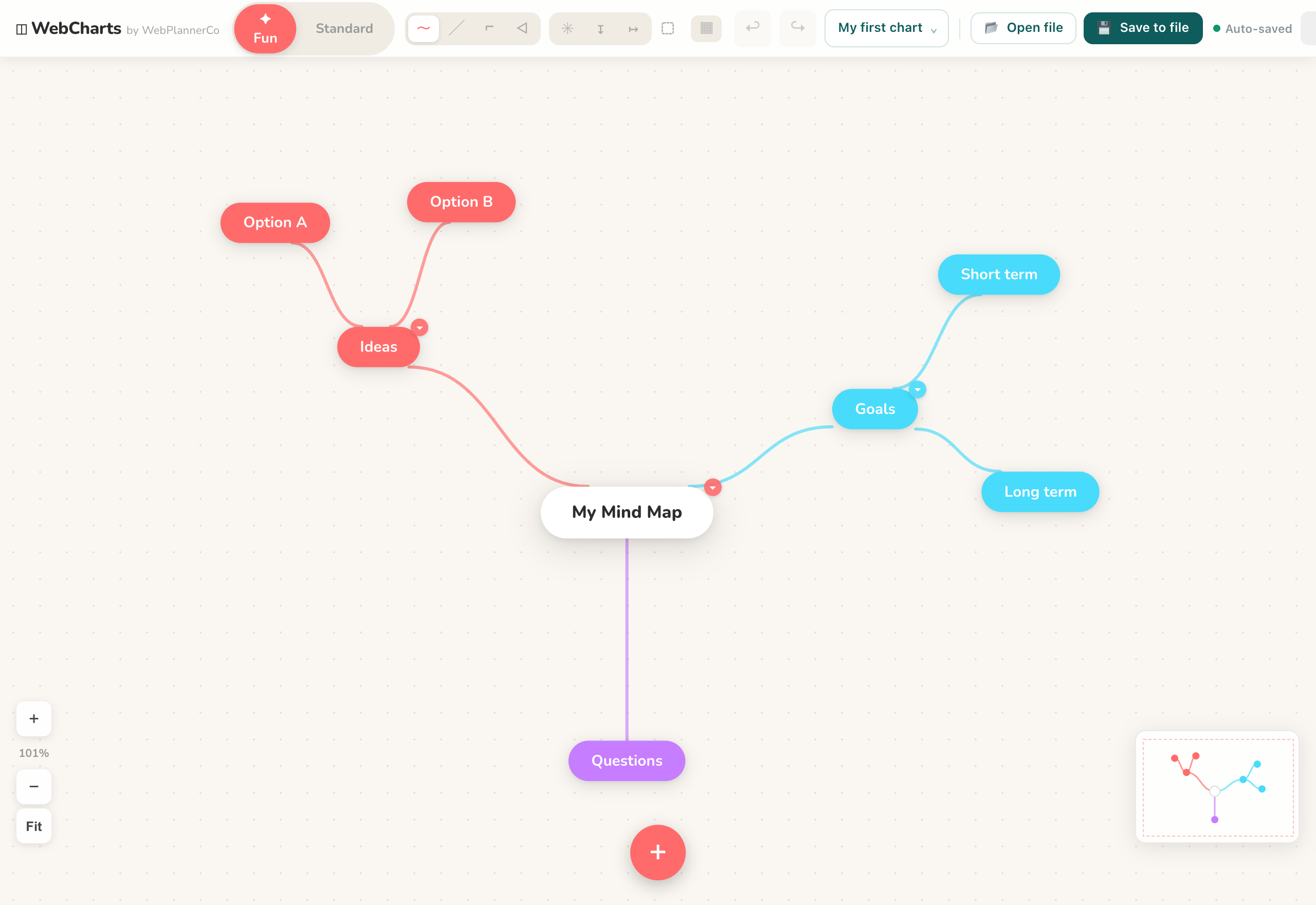
What it is
A central node with branches radiating out, ready to rename and extend. It mirrors how ideas actually connect, which is what makes a mind map quick to build.
When to use it
- Brainstorming, or getting a messy topic out of your head
- Taking notes on something with lots of connected parts
- Planning where you want the shape to emerge before the order
How to fill it in
- 1Put your main topic in the central node.
- 2Add a branch for each big theme, then smaller branches for the detail.
- 3Keep each node to a word or a short phrase.
- 4Colour-code branches so related ideas cluster, then export the map when you are done.
Make one
Mind map template in Mind Maps & Diagrams
Mind Maps & Diagrams comes with this ready to fill in, plus everything else you need to plan. Works in your browser or offline, with nothing to install.
Common questions
What goes in the middle of a mind map?
The one central idea everything else relates to: the topic, project or question. Every branch hangs off it.
How many branches should a mind map have?
As many as the topic needs, but keep each node short. If a branch gets crowded, that is usually a sign it deserves a map of its own.