Template for Mind Maps & Diagrams
Flowchart template
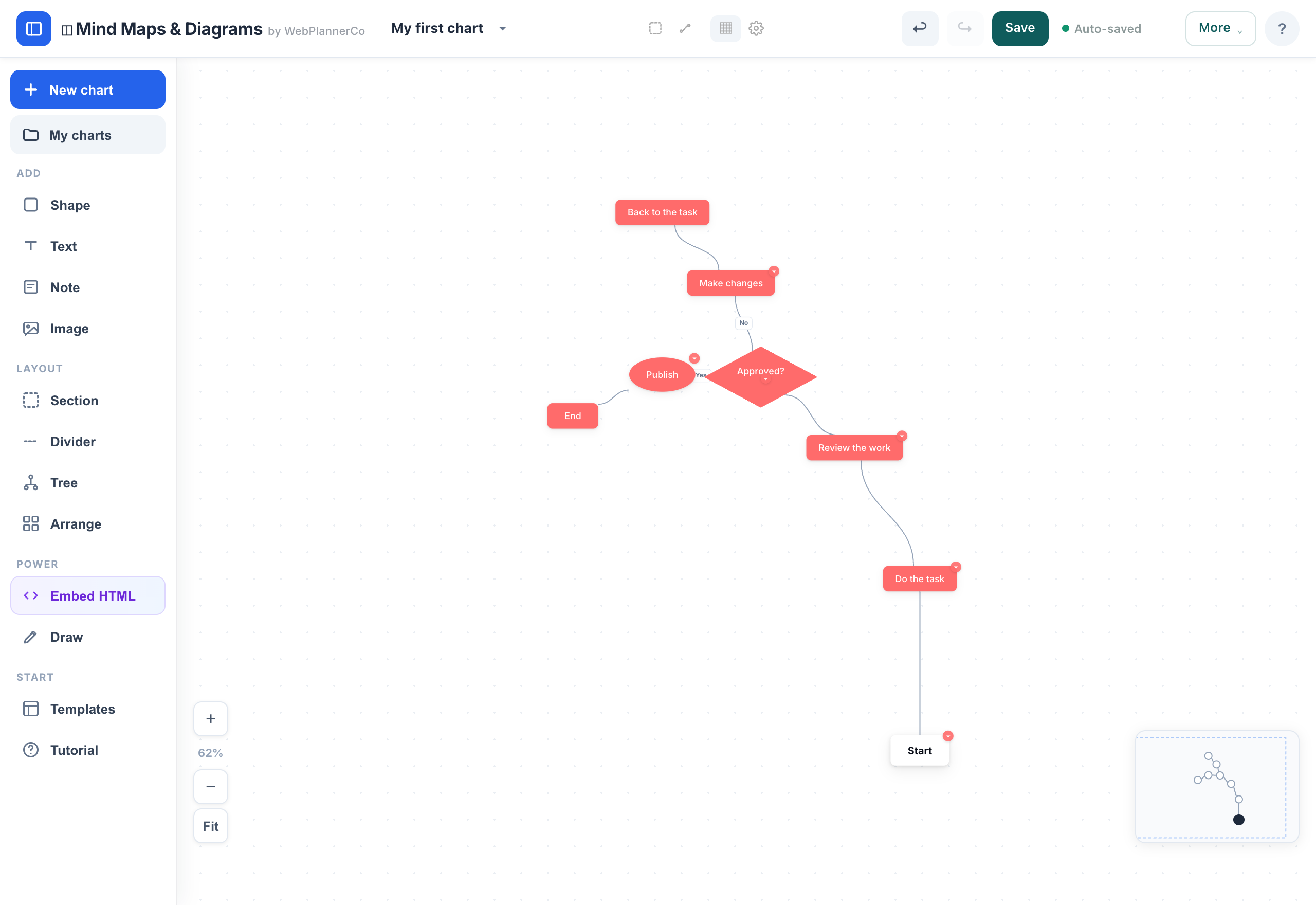
A flowchart template gives you the skeleton of a process: a start, a sequence of steps, a decision that branches Yes or No, and an end. Relabel each box for your own process and adjust the flow.
What it is
Boxes connected in order to show a process, with a diamond for each decision that splits the path. It reads top to bottom, or left to right.
When to use it
- Documenting how a process actually works, step by step
- Onboarding someone into a repeatable task
- Spotting where a process branches, loops or gets stuck
How to fill it in
- 1Rename the start box with your trigger, the thing that kicks the process off.
- 2Relabel each step in order.
- 3Use the decision diamond for any Yes/No branch, and connect both paths.
- 4Add or remove steps until the flow matches reality, then export it.
Make one
Flowchart template in Mind Maps & Diagrams
Mind Maps & Diagrams comes with this ready to fill in, plus everything else you need to plan. Works in your browser or offline, with nothing to install.
Common questions
When should I use a flowchart instead of a mind map?
Use a flowchart when order matters, a process with steps and decisions. Use a mind map when you are exploring ideas that branch out from one topic.
What do the shapes in a flowchart mean?
A box is a step or action, and a diamond is a decision that splits the path, usually Yes or No. Arrows show the order things happen in.