Template for Mind Maps & Diagrams
Decision tree template
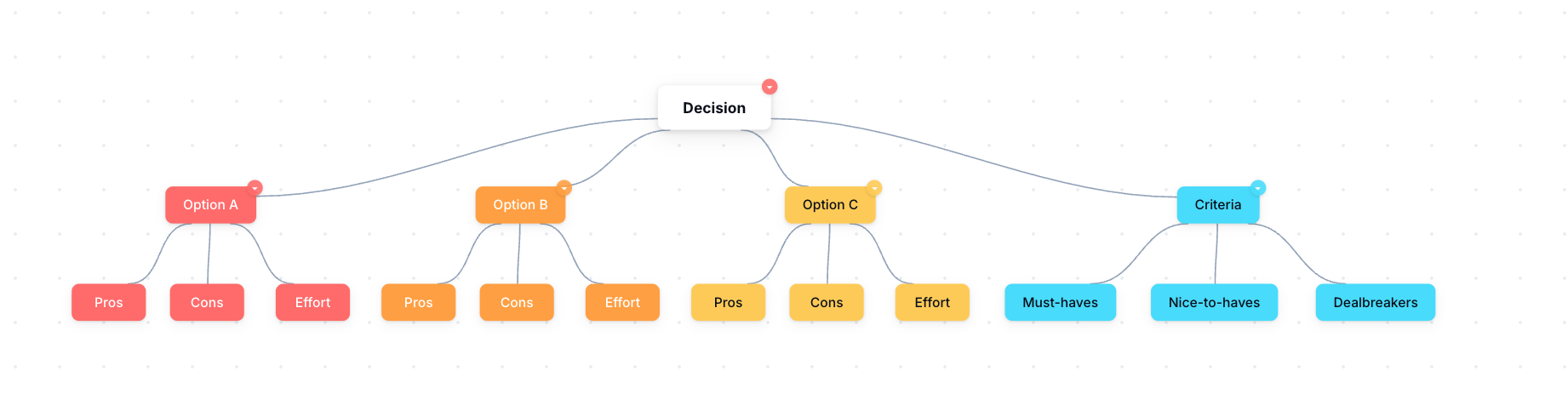
A decision tree template lays out a choice: the question at the top, the options branching below, and the pros and cons of each. Fill it in to compare your options side by side and see which holds up.
What it is
A branching diagram that starts with a decision and splits into options and outcomes, so the trade-offs are visible rather than held in your head.
When to use it
- Choosing between a few clear options
- Talking a decision through with someone else
- Making the trade-offs of a choice explicit before you commit
How to fill it in
- 1Put the decision or question at the top.
- 2Add a branch for each option you are considering.
- 3Under each, note the pros and cons, or the likely outcome.
- 4Compare the branches, then mark the option you are leaning towards.
Make one
Decision tree template in Mind Maps & Diagrams
Mind Maps & Diagrams comes with this ready to fill in, plus everything else you need to plan. Works in your browser or offline, with nothing to install.
Common questions
What is a decision tree?
A diagram that maps a decision into its options and outcomes, so you can weigh the trade-offs visually instead of juggling them in your head.
When is a decision tree useful?
When you have a handful of real options and want to compare them side by side, especially when you are deciding with someone else.