Weddings · 4 min read
Is a spreadsheet the best way to plan a wedding budget?
Our wedding budget started, like everyone's, in a single tidy spreadsheet. By month two it was three spreadsheets, a formula nobody trusted, and a running argument about which version was current. If that sounds familiar, here's the calmer way we wish we'd started with.
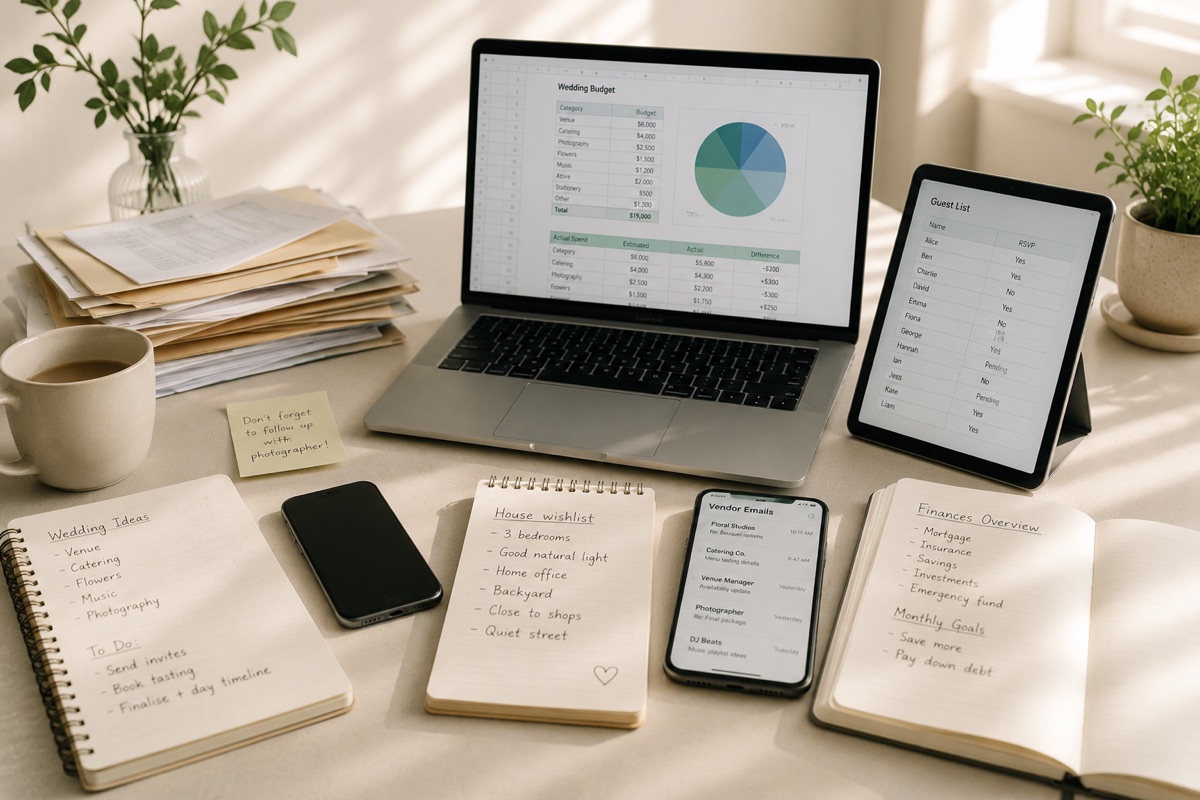
Where the spreadsheet fell apart for us
We're not anti-spreadsheet, we genuinely love a good one. A wedding is just where ours met its match. Because it starts as a blank grid, we rebuilt the same structure from scratch, and one mistyped formula quietly threw the totals off for a week before we noticed. It couldn't remind us a deposit was due, couldn't keep the guest count in step with the catering, and didn't travel nicely between a phone and a laptop. It was doing its best; it was just the wrong tool for the job.
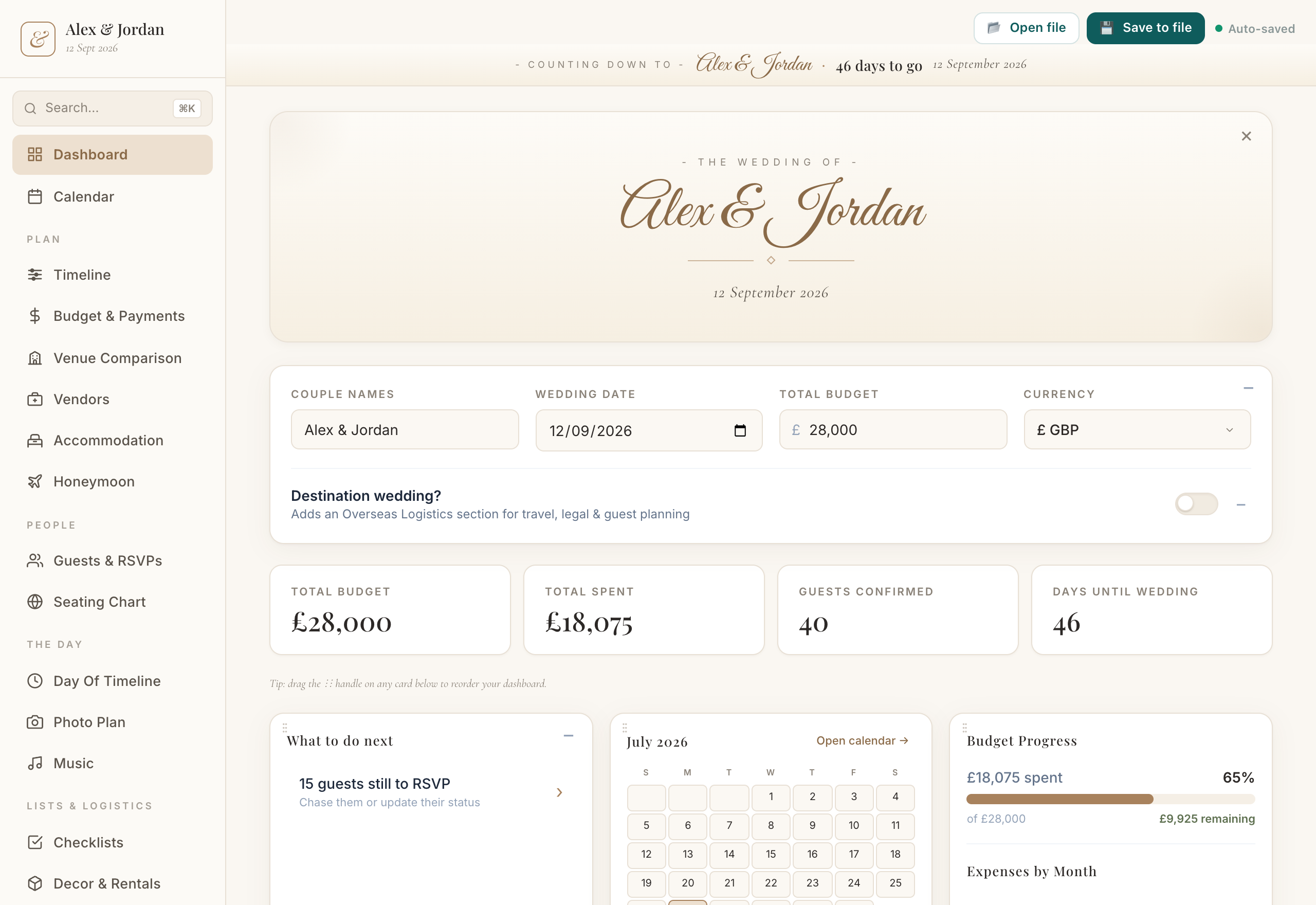
What's actually worth tracking
The essentials are the same wherever you keep them: a budget split by category, your estimate against what you really spend, deposits and due dates for each vendor, and a guest list with a live head count. The difference that saved our sanity was having all of that already set up and connected, instead of building it by hand and hoping.
The real win: one place
When the budget, guest list, seating chart, vendors and timeline all live together, a change in one shows up everywhere it matters. Trim the guest list and the catering estimate follows. That connectedness is the thing a lone spreadsheet was never going to give us.
The app that helps
Wedding Planner
Everything you need to plan your wedding, in one place.
- A ready-made budget with estimates, actuals and due dates
- A guest list with a live head count that feeds the rest
- Budget, seating, vendors and timeline, all connected in one place
A quick note
This is based on our own wedding and what worked for us, shared as general information rather than professional advice. Costs and customs vary a lot by location and vendor, so treat any numbers as a starting point and get your own quotes.